Open-source website feedback
Website feedback to GitHub Issues - with screenshots.
No new dashboard. Get bug reports, annotated screenshots, and browser details right in GitHub - where your team already works.
Demo reports create public issues in our test repository.
One script tag · MIT licensed · Self-hostable
Watch the walkthrough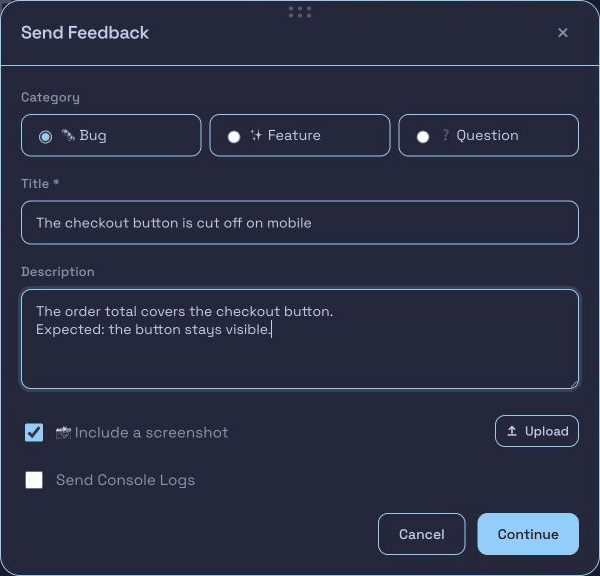
The checkout button is cut off on mobile
The order total covers the checkout button.
Expected: the button stays visible.
See it in action
From screenshot to GitHub Issue.
Watch a user report a bug, mark up a screenshot, and send it to GitHub.
More than bug reports
Bugs, ideas, and ratings. One widget.
Choose the feedback you need. Send every response to GitHub.
Demo submissions create a real public GitHub Issue in our test repository. Please do not include sensitive information.
Explore the building blocksThree steps. No new dashboard.
Connect your site
Install the GitHub App and add one script tag.
Users report a problem
They describe the issue and mark up a screenshot.
Get a GitHub Issue
See the report, screenshot, and browser details together.
Add BugDrop to your site.
Connect your repository, then add one script tag.
Install from GitHub MarketplaceReplace owner/repo with your repository:
<script
  src="https://bugdrop.neonwatty.workers.dev/widget.v1.56.4.js"
  data-repo="owner/repo"></script>